We transform your business with AI. The right way.
Everyone says you should be using AI.
Nobody says how, or where.
In ten working days we find where AI really takes over work in your business. Then you decide whether we build.
We also train your team in Copilot and Claude.
A call with Maxime or Siemen, the founders. You hear where we would start, and where we would not.

Train & Transform
Do you want to make your people more productive with AI, or set up your whole organisation around it? Both are possible.

Teach your team to work with AI
For teams that want to get going with Copilot and Claude themselves, on their own e-mails, documents and figures.
- WhatM365 Copilot · Claude · Copilot Studio
- Duration1 hour to 2.5 days · private or classroom
- PriceInspiration session from €450 · training from €1,100

We build, you remain the owner
For organisations that want to build AI in structurally: we build it, in Copilot Studio or Claude, in your own environment.
- WhatDiscovery: roadmap and cost estimate, then build
- Duration10 working days, then monthly
- PriceDiscovery €6,000 · then you decide
We build what we propose.
This is what we delivered, what clients say about it and why you work with us.
29 cases in Belgium, the Netherlands and the UK ·
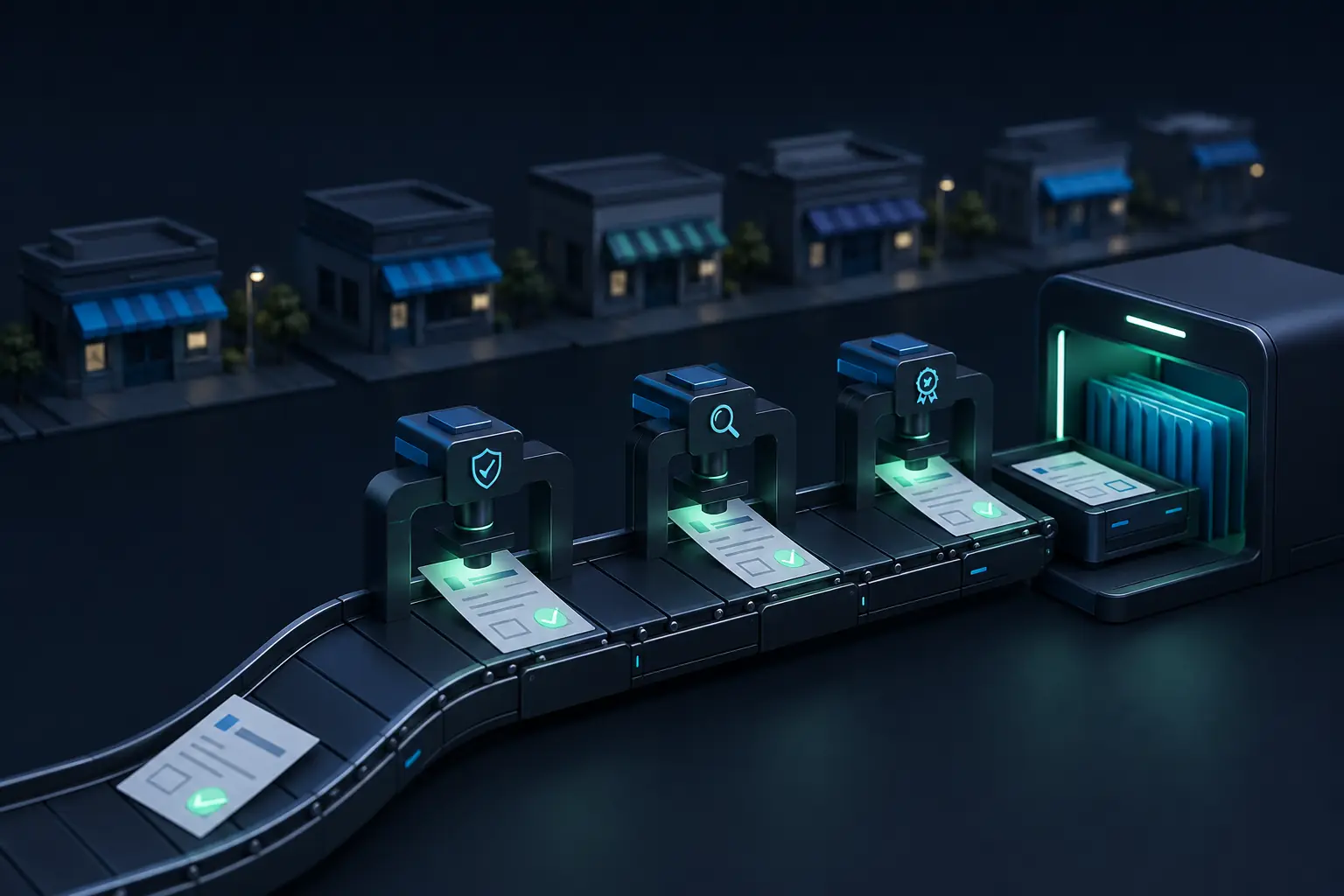 Retail group · 16 stores
Recruitment process automated, from request to decision
Built for Oh’Green International food group
From AI awareness to practical Copilot use
Delivered at Greenyard Fresh Belgium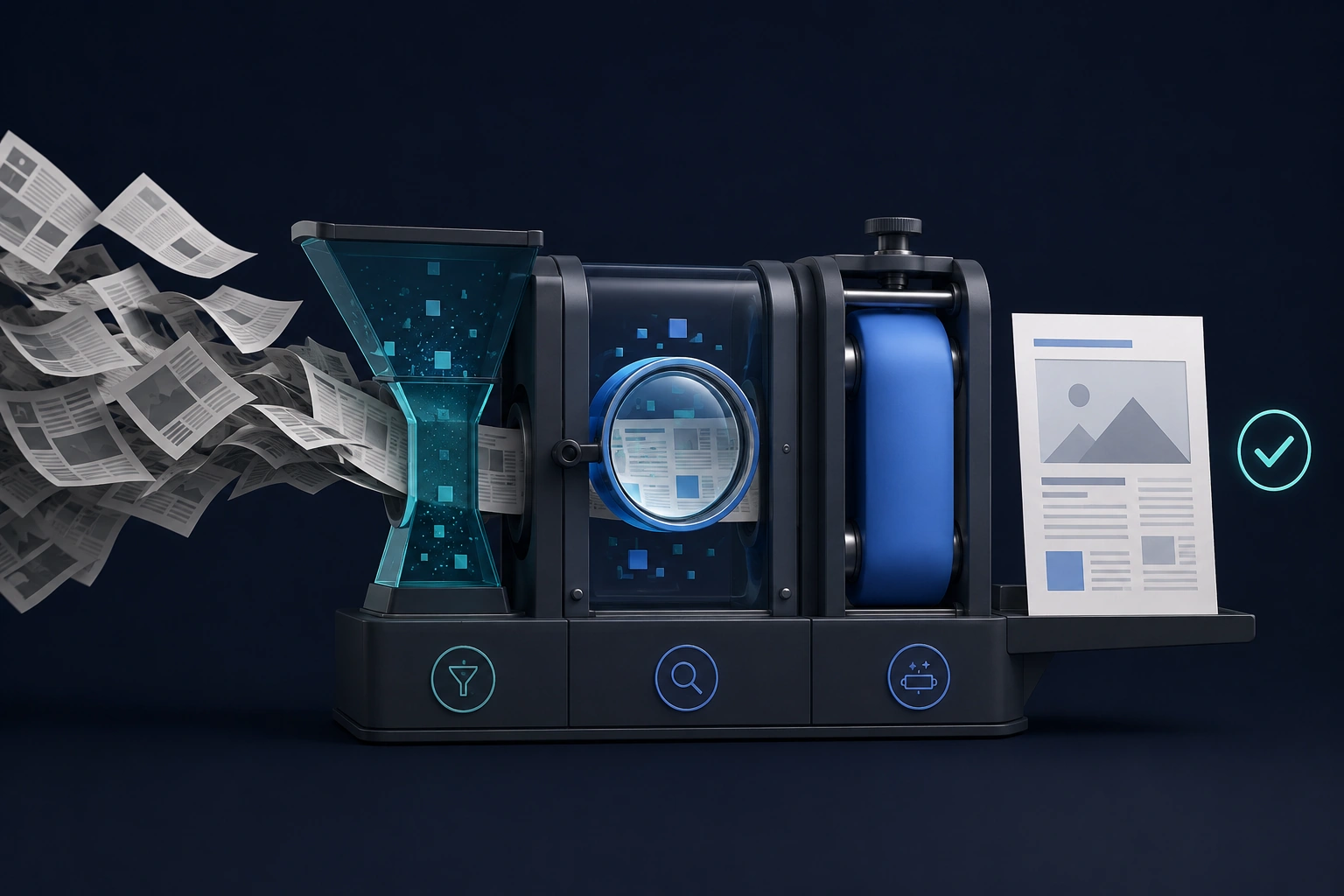 IT services provider · SME
AI-driven blog automation, from news monitoring to publication
Built for Clear ITHigh-tech research centre1,000+usersTechnical documentation agent for 1,000+ users
Federal agency20+countriesOne procurement agent in three languages, from procedure to public procurement law
Healthcare software company59opportunities scoredDiscovery: from a broad AI ambition to a first built solution
The person you talk to builds along, together with your team.
Built on Microsoft 365, Copilot Studio and Claude.
We start from your policies and hand everything over.
We say when something is not possible, and refer you on.
In 30 minutes we look at which of these cases comes closest to your situation.
Not ready to talk yet? Start here.
Short videos and articles that answer one question at a time, in plain language. Watch or read at your own pace.
- VIDEO · 5:34How does an AI agent work?
- VIDEO · 8:385 AI buzzwords, explained simply
- SKILL · IN THE MAKINGFinancial plan for your BV: a skill that interviews you
How does an AI agent work?
Not a chatbot, but software that takes work off your hands — the six building blocks every agent needs.
5 AI buzzwords, explained simply
Financial plan for your BV: a skill that interviews you
You stay in control of AI.
We know how to roll out AI according to your policies: who gets which skills and plugins, and how Copilot Studio and connectors are set up.
Environmentsmanaged solutions, nothing straight into production
- Sandbox, then
- Test, then
- Production
Accessper team or role
- Security groups
- Existing SharePoint permissions
- Skills and plugins per team
Connectorsapproved sources only
- Within your DLP policies
- Custom connectors per source
- ✕blocked: External tools
Managementeven without us
- Audit log
- Handover document
- Maintenance guide for IT
- Evaluation set
- ✕No extra platform. We build on what you already have: Microsoft 365, Copilot Studio and Power Automate, or Claude.
- ✕No connectors you did not approve. In Microsoft 365 they follow your DLP policies. With Claude we configure the skills correctly and agree together which connectors may be linked and which may not.
- ✕No permissions you did not already grant. A skill sees what the user was already allowed to see, nothing more.
- ✕No dependency on us. Handover to your IT is part of the delivery, not of an SLA.
This is what it looked like at a healthcare software company: documentation agent with governance →
The two builders behind ArrowEye.
ArrowEye is Maxime and Siemen. We train your team in Microsoft 365 Copilot and Claude, and build the skills, plugins and automations that take over the work afterwards. You work with the two of us, from the first call to the handover.
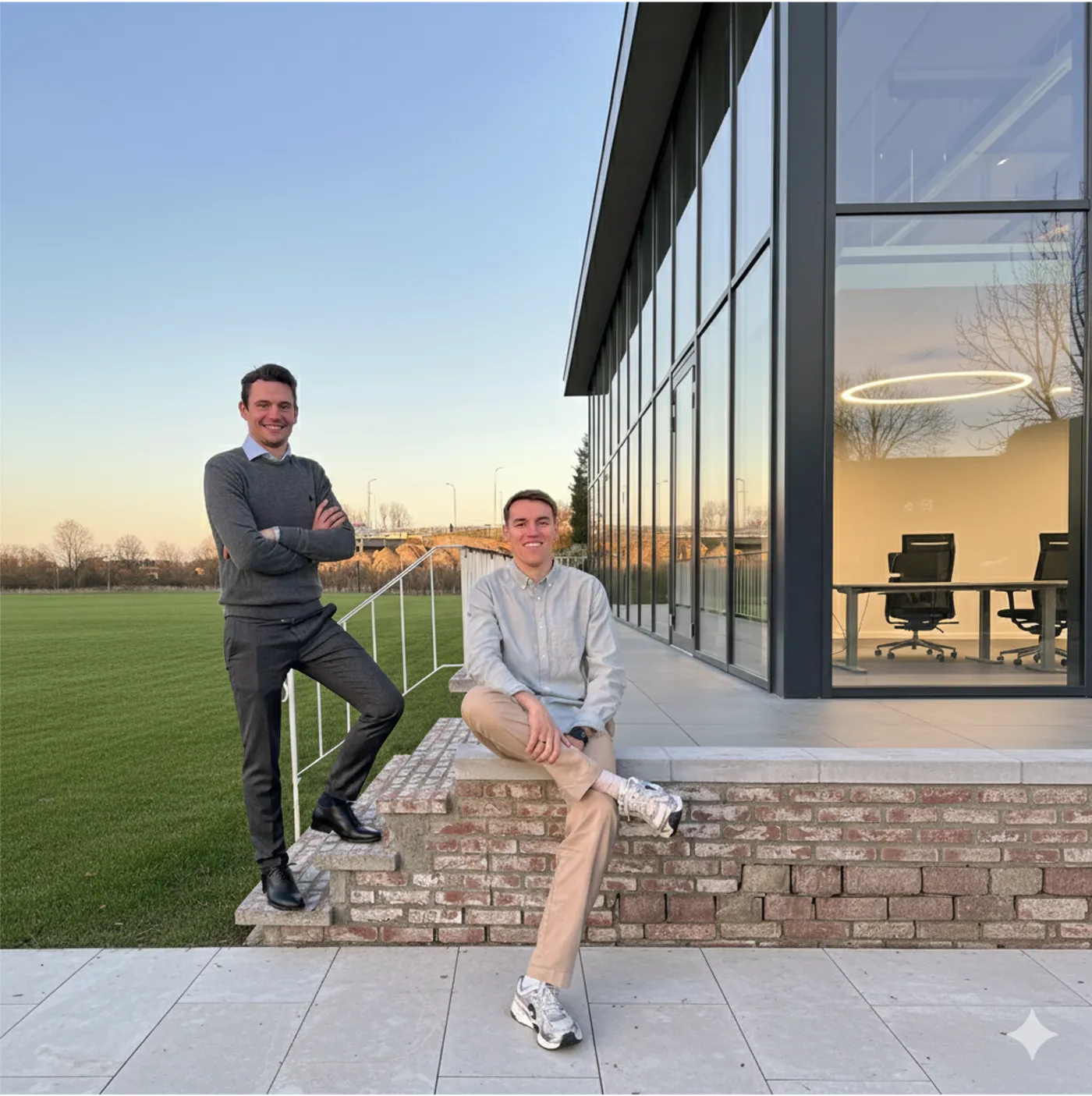

Builds skills and automations in Claude and Power Automate — start small, prove it on your own data, then roll out.

Expert in Microsoft 365 Copilot and Copilot Studio, and in the governance around them: tenants, permissions and environments.
Honest answers to your doubts.
The discovery costs €6,000 and takes ten working days: five days of interviews, on site or online, and five days of analysis. You receive a roadmap with, per item, an estimate of the build days and the expected impact, plus three pace scenarios. Then you decide whether ArrowEye builds. The build is invoiced per month, in milestones; the estimate in your roadmap gives you an idea of the cost in advance, but it remains an estimate, not a contractual promise. Training courses and inspiration sessions have a fixed price that you know up front.
Siemen — co-founderWith a 30-minute call, and then the discovery. In ten working days ArrowEye maps out, together with your people, where AI really pays off in your work. The result is a roadmap with a cost estimate; only then do you decide whether to build. If you first want to bring your team along, a training or an inspiration session is the better starting point.
Maxime — co-founderYes, that is what the discovery is for. In five days of interviews, ArrowEye captures how your people do their work: which steps, which exceptions, which rules are written down nowhere. We then build that into skills and plugins, in your own environment and within the permissions you agree: you decide who gets to work with them. If that colleague leaves, that way of working stays in house; in the maintain phase we keep it up to date as the team changes. What does not fit in a skill, we tell you up front.
Siemen — co-founderThat depends on what you already have. ArrowEye builds on the platform where your work happens today: if everything is in Microsoft 365, we build in Copilot Studio and Power Automate, within your own tenant. We choose Claude for skills and plugins where it is stronger. The discovery sets out per use case what fits.
Maxime — co-founderOn what you already have. In Microsoft 365, everything stays in your own tenant, within your policies: security groups, existing SharePoint permissions and connectors within your DLP policies. If you work with Claude, we configure the skills correctly, agree which connectors may be linked and which may not, and advise a business account where needed. ArrowEye builds on existing platforms (Microsoft 365, Copilot Studio, Power Automate and Claude), not on tooling of its own. That keeps governance and management simple.
Siemen — co-founderYes, and we involve IT from the start. The setup (environments, permissions and connectors) is step 1 of every build and follows your own policies. At delivery, IT receives a handover document and a maintenance guide, so that management stays with you. If IT would rather read first how we work, you can forward our governance approach.
Maxime — co-founderYou do. Skills, plugins and automations run in your own environment and are handed over at delivery with a handover document, an evaluation set and a maintenance guide. Your team can manage and extend them itself. If you want ArrowEye to keep updating them, that is possible in the maintain phase: based on monthly feedback from the users.
Siemen — co-founderDuring the discovery, five days of interviews, on site or online, spread across the people who do the work; we do the analysis. During the build we ask the users for feedback at each milestone, so we adjust to what they experience, not to what we think. For a training it is one to two and a half days per participant, on their own work; an inspiration session lasts one or two hours.
Maxime — co-founderThen you keep the roadmap and the cost estimate, and they are yours. The discovery stands on its own: you can continue with it later, pick it up internally or build with another party. The decision point comes only after the roadmap; until then you commit to nothing. The roadmap also states honestly what we would not build.
Siemen — co-founderYes. The build runs month by month, in milestones, and you pay per month. If a milestone does not deliver what the roadmap predicted, we first adjust based on the users' feedback. If you still want to stop, you can do so whenever you want: what has already been built runs in your own environment and is handed over with a handover document and a maintenance guide.
Maxime — co-founderNot seeing your doubt here?
Start with one call.