Claude, feature by feature
One or two hours in which your people see what is in Claude, Anthropic's AI assistant. Projects, connections, research, skills: per feature what it does and when it comes in handy, on work the room knows.
First a thirty-minute call: we go through who is in the room, which date, one hour or two, and which work we put on the screen.
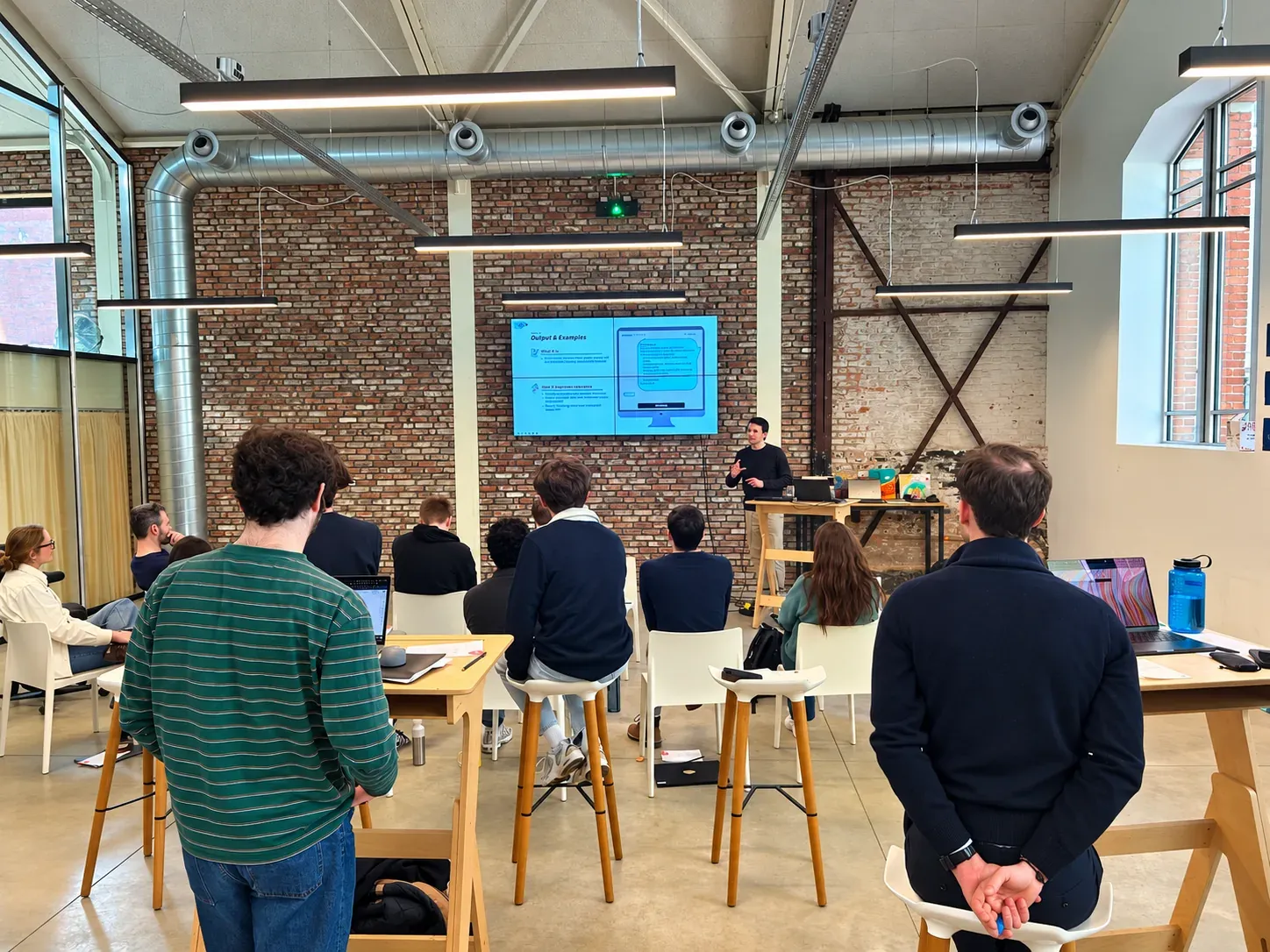
For the organisation that wants to see what is in Claude
If one of these three sounds familiar, the call is worth it. For a broad group, with or without a Claude subscription. Prior knowledge and laptops are not needed.
Everyone uses a different AI tool
Colleagues work with ChatGPT, Copilot or something else again, each in their own way. You want the group to see what Claude does differently, handing off work instead of chatting, before subscriptions or a training are bought.
Claude is there, but only as chat
The subscriptions are running, but Claude serves as a better search bar. Nobody at your organisation has seen projects, connections and skills yet.
A session for a team day or event
A kick-off, a staff day, a keynote at your event: one or two hours for the whole room, for the same price, without anyone having to install anything.
Not for you if
- You want Claude set up on your own work, with your first own skill: that is Claude at your work, one day private.
- You work in Microsoft 365 and want to see Copilot: that is the Copilot and agents inspiration session. We do not give one session on both.
- You want to build software with Claude Code: that falls outside this session. A separate training is coming; let us know if you want it.
One hour or two: see what is possible, or also choose what you use first
The same features, on our own account, along the work you mention in the call. Choose one hour if the room needs to see what is possible. Choose two hours if they also need to choose what to use first, with time for questions. We do not build here.
1 hour€450
See what is possible
- A selection of the features below
- Chosen beforehand in the call or via a short questionnaire
- A short time for questions
2 hours€650
See what is possible, and choose what you use first
- All the features below
- We spend longest on the work you point out in the call
- Ample time for questions, and the room names what it would use first
The features
Chat, projects and files
A project with its own instructions and documents; having Word, Excel and PowerPoint files made.
Connections and research
Claude connected to mail, calendar and folders, and web research in one report.
Skills, plugins and scheduled tasks
Using existing skills, and work that happens by itself every week.
Models, subscriptions and access
Which model for which work, and what access Claude gets.
What you would use firstWith 2 hours
The room names which feature takes work off their hands first.
A group that knows what Claude can do, and what not
No manual, but three things that make the next decision easier.
Which feature you use first
With two hours the room names it itself at the end. So that the first step after the session is no longer a discussion.
Which model and which subscription for which work
So that the choice of subscriptions rests on facts, not on who shouts loudest.
Knowing what access Claude gets
To which mail and folders, which actions Claude may carry out itself, and what may go outside. That tells the group what the conversation with IT will be.
A screen, a room and the group
The demos run on our own account, not on your data. How big the group is does not matter: there is no maximum. What you arrange, we go through in the call.
Online: one link for the whole group
Everyone watches from their own place, or together in front of one large screen.
At your office: a room with a large screen and sound
On site we charge €100 travel.
The work that occupies you
In the call beforehand we hear which work the room knows. We choose the demos on that.
A Claude subscription, laptops and prior knowledge are not a condition.
Given by someone who works with it every day

Maxime Dedeyne
Builds skills and automations in Claude for ArrowEye clients. So the demos in this session are not a product video, but work that runs at clients.
Co-founder of ArrowEye · also gives Claude at your work
What organisers ask us beforehand
The training courses at your office, or in a room in the Antwerp region if you would rather not train in house; that is included in the price, with no travel cost. The inspiration sessions we give online or at your place; on site we charge €100 travel. Everything in Dutch or English. For Copilot Studio, the half-day governance session can be done online beforehand.
 Maxime — co-founder
For the training courses, the maximum is shown on each card: ten for M365 Copilot, three for Copilot Studio, four for the Claude training. For an inspiration session there is no maximum: from one team to the whole staff day, online or in your room, for the same price.
Maxime — co-founderThen we start with that in the thirty-minute call. Tell us what your team does and which tools it already has; we tell you whether a training fits, or whether an inspiration session is the better starting point because the group first wants to see what is possible.
Maxime — co-founderOther questions? Ask them in the first call, or see all questions about the training courses →
What a client wrote after one of our inspiration sessions
Thank you to the gentlemen of ArrowEye for the very instructive and engaging inspiration session! Our employees were extremely enthusiastic and took a lot of inspiration from it.
Greenyard
From a public post by Greenyard on LinkedIn.