Copilot Studio Fundamentals
Two and a half days of private training with one goal: that afterwards you build agents yourself in Copilot Studio, on your own tenant. First we set up the environment and the rules with your Global Admin. Then you build for two days: an agent that knows your documents, and a second one that takes over a process. You build, the trainer sits beside you.
First a half-hour call: we go through your tenant, the licence and the use case.
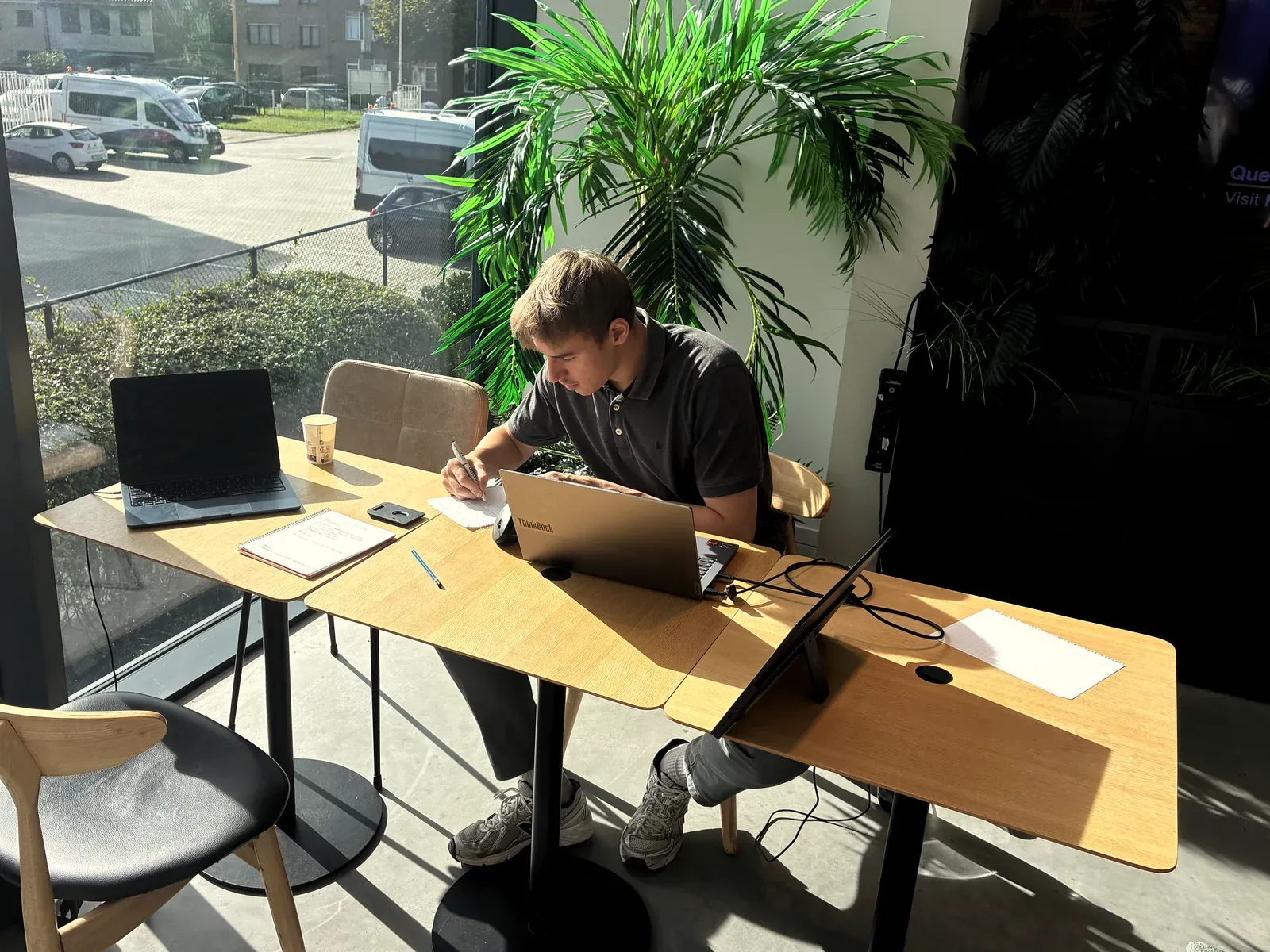
For people in IT who want to build agents themselves, not just use them
If one of these three sounds familiar, the call is worth it. The seat is for whoever made the demo or will manage the agents: IT, business analyst, low-code developer or power user. You do not need to be a developer.
Paid for, but nobody builds
The Copilot Studio or M365 Copilot licences are there. Nobody internally has built an agent with them yet that is actually used.
The demo never reached production
Someone got one agent working as a demo. It stopped there: the answers were not always right, or nobody knew who had to sort out the permissions and the data.
Too many ideas to outsource
You see processes everywhere that an agent could take over. Having every idea built externally is not sustainable; you want your own IT to be able to do it.
What that looks like in practice:
Not for you if
- You want us to build it instead of training your team: that is a Transform programme, not a training.
- Your participants are not technical: then look at M365 Copilot Fundamentals, classroom for the whole team.
- You do not work on Microsoft 365: then there is nothing to build on your tenant.
- You expect someone who can do everything alone after two and a half days: realistically you start independently and get better with every next agent.
First the environment and the rules, then two days of building
Half a day beforehand with your Global Admin, so that on day one you build instead of chasing permissions. Then two consecutive days, with the trainer beside you.
Environment and rulesCan be online
DLP policies, environment and roles set up with your Global Admin, and the use case chosen: knowledge sources, scope, data access. Existing environments and policies stay in place; what we touch, we agree beforehand.
Copilot Studio and the knowledge agent
The Microsoft agent landscape, the anatomy of an agent, and structuring your documents so that the answers are correct and traceable. In the afternoon you build the first agent.
Actions, agent flows and going live
Actions, connectors and triggers. A second agent takes over a process and passes on data, tested with automated evaluations before it goes live.
Power Automate day
A day of Power Automate on top of the training. You also build the automations around and between the agents, so that an agent does not only answer but also sets something in motion.
With this day3.5 days · €2,700 one-to-one, from 2 people €2,000 per person
The day runs from 9:30 to 16:30. The half day beforehand is scheduled by agreement.
Two agents, and the basis to build the third yourself
You do not build in a practice environment that disappears afterwards: the agents run at your organisation, and you build the next one without us.
An overview for whoever pays
What you can do yourself now, where external help remains useful and the use cases that came up while building. That is how you defend the budget for agents two and three.
Two agents, working by the end
A knowledge agent on your documents and a process agent with agent flow, on your use case.
The permissions and policies that stay in place
What was set up on the half day beforehand stays yours: DLP, environment and roles.
A reference guide on privacy, data access and knowledge sources
Plus all slides and the material, shared after the training. To fall back on when the next use case comes along.
A certificate per participant
From ArrowEye, after the training, shareable on LinkedIn.
Five conditions, arranged together
What is not in place yet, we set up together: that is part of the training.
A Microsoft 365 environment in daily use
With a Power Platform environment available, or the permissions to create one.
A Copilot Studio licence, or the way to get one
No licence yet is not a blocker: switching on pay-as-you-go or arranging a licence for the training is something we sort out in the call.
Your Global Admin on the half day beforehand
Someone with Global Admin permissions sets up the DLP policies and the environment together with us.
A process and the documents it concerns
Which ones, we choose together in the call; your stranded demo can be the starting point. Beforehand you fill in a short questionnaire.
Your own laptop and, at your office, a quiet room with a large screen
You then take care of lunch yourself. If you train with us in the Antwerp region, room, screen and catering are included in the price.
You learn from someone who builds it at clients

Siemen Vander Sande
Builds agents in Copilot Studio for ArrowEye clients, from the permissions and the knowledge sources to the evaluation before anything goes live. What you see in the training is how it was built at those clients.
Spoke at Collab Days Belgium 2025 (Agents versus workflows) and 2026 · guest lecture at Vlerick
What IT people ask us beforehand
Classroom is the team training: M365 Copilot Fundamentals, up to ten people from the same company, for one group price. With more than ten, we look together at whether and how it can work. Private is one participant with the trainer beside them: Claude at your work and Copilot Studio Fundamentals. Adding a few colleagues is possible on request (up to three for Copilot Studio, up to four for Claude); then we charge per person.
 Siemen — co-founder
Your own laptop and the tool you are training on. For M365 Copilot: a paid Copilot licence per participant; Copilot Chat without a licence is not enough. For Copilot Studio: your tenant; not having a licence yet is no blocker, we sort that out together in the call. For Claude: a paid subscription (Pro is enough) and the Desktop app, installed in advance. Anything else you bring, such as a folder of real documents, is listed on the page of the training.
Siemen — co-founderThe training courses at your office, or in a room in the Antwerp region if you would rather not train in house; that is included in the price, with no travel cost. The inspiration sessions we give online or at your place; on site we charge €100 travel. Everything in Dutch or English. For Copilot Studio, the half-day governance session can be done online beforehand.
 Maxime — co-founder
That differs per training and is shown on each card: one or two hours for an inspiration session, one day for Claude at your work, two days for M365 Copilot, two and a half days for Copilot Studio. A training day runs from 9:30 to 16:30. Beforehand there is one thirty-minute call to check the use case and the environment. Anything else you bring or prepare is listed on the page of each training.
Maxime — co-founderOther questions? Ask them in the first call, or see all questions about the training courses →