M365 Copilot Fundamentals
Two days of training with one goal: that your team uses Copilot every day, not now and then for a summary. On their own mailbox, meetings and documents, until every team member knows which task Copilot saves time on. On day two everyone is already working with the agents included in your licence.
In thirty minutes we check your licences, who takes part and the goal.
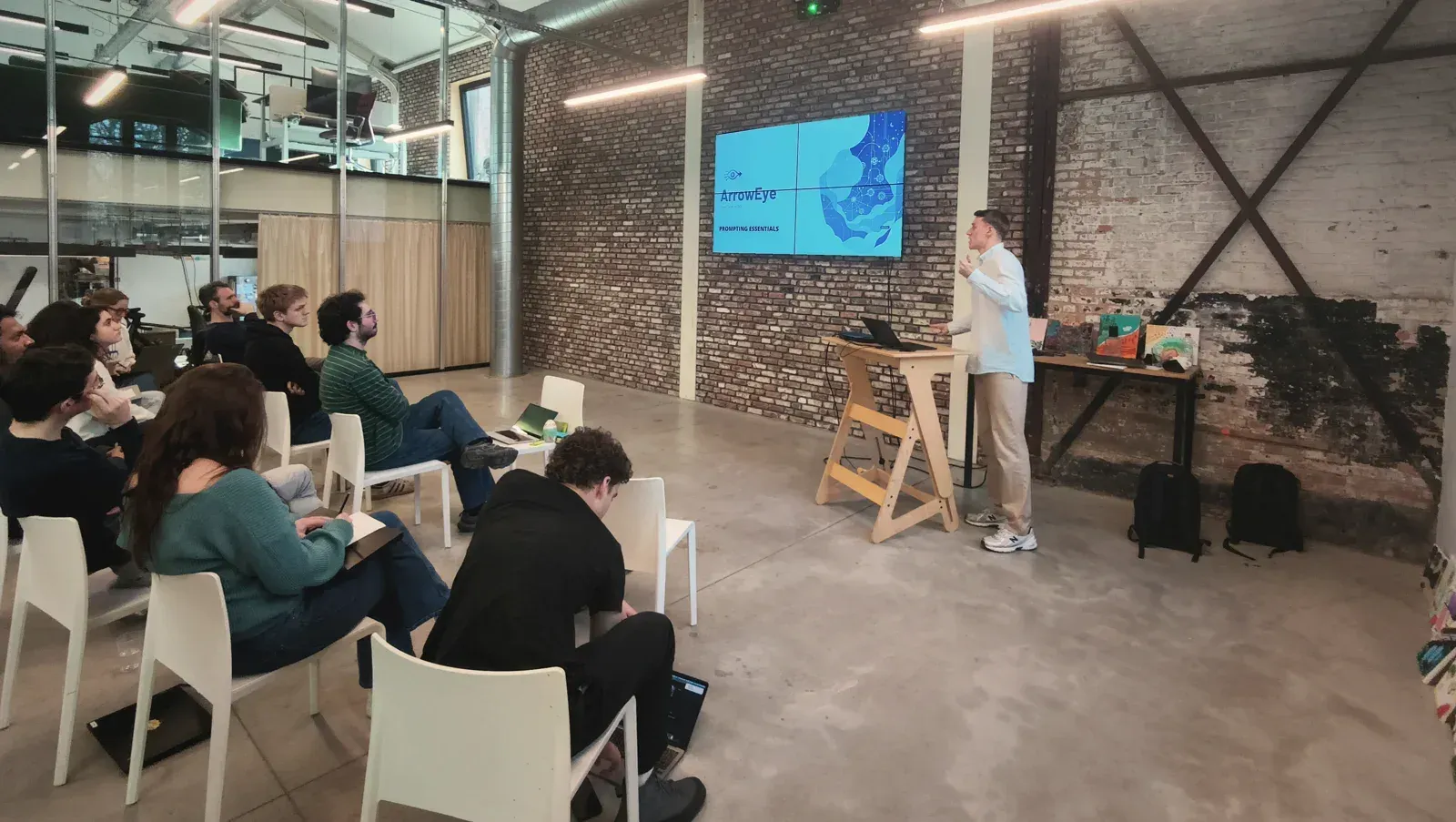
For the team that has Copilot, but barely uses it
If one of these three sounds familiar, the call is worth it. Below that, honestly, who this is not for.
Paid for, but barely used
The licences are there, everyone has tried it once, and almost nobody uses Copilot daily today.
Nobody knows what for
Everyone knows the button, but nobody knows which task Copilot really saves time on. So it stays at the occasional summary.
Work in personal AI tools
Colleagues put client emails and documents into ChatGPT on a personal account. You want that work inside your own Microsoft environment and your own rules.
Not for you if
- You are looking for one short session for the whole organisation: that is the inspiration session of one or two hours, not two days of behaviour change.
- You work on Google Workspace or without paid Copilot licences: then there is nothing to activate.
- You want to build agents yourself on your tenant: then look at Copilot Studio Fundamentals, private and per person.
Day 1 the apps, day 2 the agents
Two days, preferably back to back. One day is a demo; behaviour only changes when everyone practises for two days on their own mailbox and documents. Which tasks we tackle each day comes from the questionnaire every participant fills in beforehand.
Copilot in daily work
Working with Copilot in Teams, Outlook, Word, Excel and PowerPoint, on the participants' own mailbox, meetings and documents. Everyone works out their own use-case list and learns to steer an answer until it is usable.
Agents, on your own workload
Day two starts with the ready-made agents from Microsoft, Researcher, Analyst and Planner, which are included in your licence. Each participant puts them to work on what is on their plate that week. Then we choose together which tasks deserve their own automation, and agree how the team carries on after the training.
The day runs from 9:30 to 16:30.
A routine that sticks
Adoption is behaviour, not knowledge. Everything below exists to keep the usage going after we have left.
An overview for whoever pays
After the training: what the team can do now and what automating is worth. That is how you report the investment upwards.
Tailored prompt library
Built on your roles and the tasks from the questionnaire beforehand, ready for daily use.
Use-case list per participant
For their own role, worked out during the two days and usable straight away.
First agents in use
Researcher, Analyst and Planner used themselves, on their own workload.
Shared Teams channel
Where the group keeps exchanging what works after the training.
All slides and the handout
The complete training material, shared after the training.
A certificate per participant
From ArrowEye, after the training, shareable on LinkedIn.
Stuck on something in the weeks after? Then you email the trainer. That is part of the day.
Four conditions, checked together
The threshold is the environment, not the people. What needs to be in place, we check in the call.
A paid M365 Copilot licence per participant
Copilot Chat without a licence is not enough: the training runs on the full version in your own environment.
Microsoft 365 Business Standard or higher
With modern Outlook and Teams. Older versions are not a blocker, they only determine which features we cover.
Your own laptop and a quarter of an hour of preparation per participant
A short questionnaire on current AI use and the tasks where your people want to save time. We build the prompt library on that.
At your office: a room with a large screen
You then take care of lunch yourself. If you train with us in the Antwerp region, room, screen and catering are included in the price.
Technical background is not a condition. Being comfortable with the Office apps is enough; the team learns the rest in those two days.
You learn from someone who builds agents in Copilot Studio

Siemen Vander Sande
Builds agents in Copilot Studio for ArrowEye clients and presented the Microsoft agent landscape at Collab Days Belgium. That is why this training does not stop at the Office apps: the agents day comes straight from that build practice.
Spoke at Collab Days Belgium 2025 and 2026 · guest lecture at Vlerick
What teams ask us beforehand
Classroom is the team training: M365 Copilot Fundamentals, up to ten people from the same company, for one group price. With more than ten, we look together at whether and how it can work. Private is one participant with the trainer beside them: Claude at your work and Copilot Studio Fundamentals. Adding a few colleagues is possible on request (up to three for Copilot Studio, up to four for Claude); then we charge per person.
 Siemen — co-founder
The training courses at your office, or in a room in the Antwerp region if you would rather not train in house; that is included in the price, with no travel cost. The inspiration sessions we give online or at your place; on site we charge €100 travel. Everything in Dutch or English. For Copilot Studio, the half-day governance session can be done online beforehand.
 Maxime — co-founder
That differs per training and is shown on each card: one or two hours for an inspiration session, one day for Claude at your work, two days for M365 Copilot, two and a half days for Copilot Studio. A training day runs from 9:30 to 16:30. Beforehand there is one thirty-minute call to check the use case and the environment. Anything else you bring or prepare is listed on the page of each training.
Maxime — co-founderYour own laptop and the tool you are training on. For M365 Copilot: a paid Copilot licence per participant; Copilot Chat without a licence is not enough. For Copilot Studio: your tenant; not having a licence yet is no blocker, we sort that out together in the call. For Claude: a paid subscription (Pro is enough) and the Desktop app, installed in advance. Anything else you bring, such as a folder of real documents, is listed on the page of the training.
Siemen — co-founderOther questions? Ask them in the first call, or see all questions about the training courses →